
An installation becomes a reliable package.
An application can often be installed quickly on a single computer. Other questions arise for central deployment: Does the installation work without user intervention? Are the correct settings included? What happens when you update or uninstall? This is exactly where professional software packaging begins.
RayPack Studio bundles tools for recording, creating and testing software packages. Your team can document requirements, process installations and test results in a comprehensible manner. bbi supports you in integrating these tools into a practical packaging process - from the first sample package to the recurring processing of new versions.
Record requirements
Clarify installation steps, settings and special features before the actual packaging.
Create targeted packages
Prepare installations for your target environment and standardize recurring work.
Check quality comprehensibly
Combine technical tests with technical acceptance criteria and document results.
The right tools. For every step.
1. Understand and document the installation
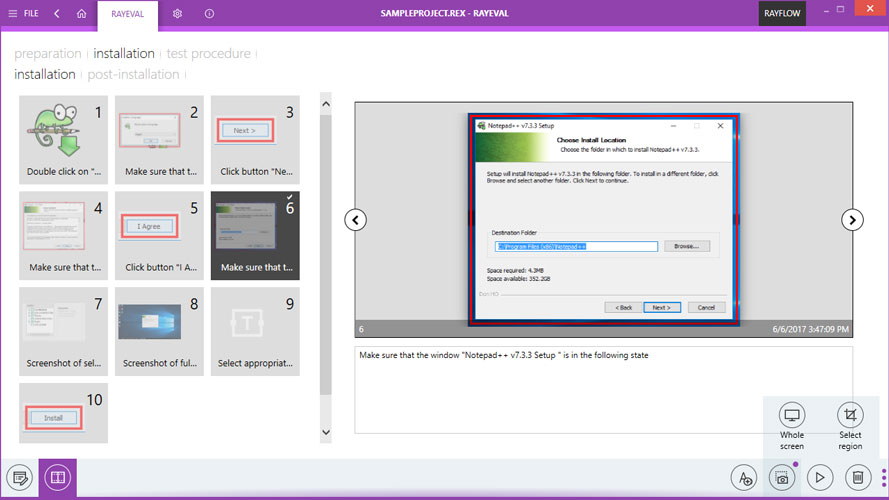
RayEval supports recording an installation flow with images and descriptions. This helps to record inputs, options and special features so that later packaging can build on them.
In practice, this also includes open questions: Which components are needed? Which default settings are binding? Who provides test data and confirms functionality? A clean handover saves queries between the department and packaging.
2. Build the right package
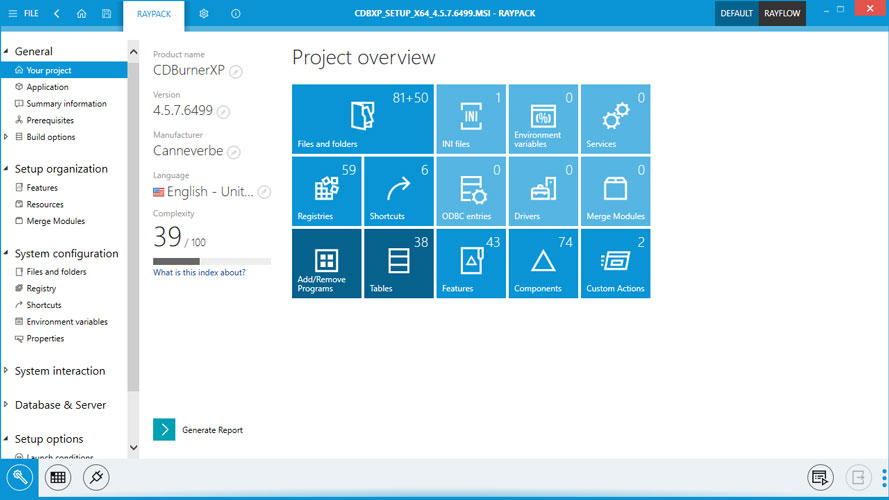
RayPack is the central tool for package processing. It supports, among other things, Windows installer formats such as MSI and MST as well as working with MSIX. Which functions are available depends on the edition and usage scenario.
We choose the target format based on the application and your distribution. An existing vendor installation may require different handling than an application whose changes must be captured first. Settings, installation context, return codes and uninstallation are part of the package definition.
3. Ensure quality with checklists
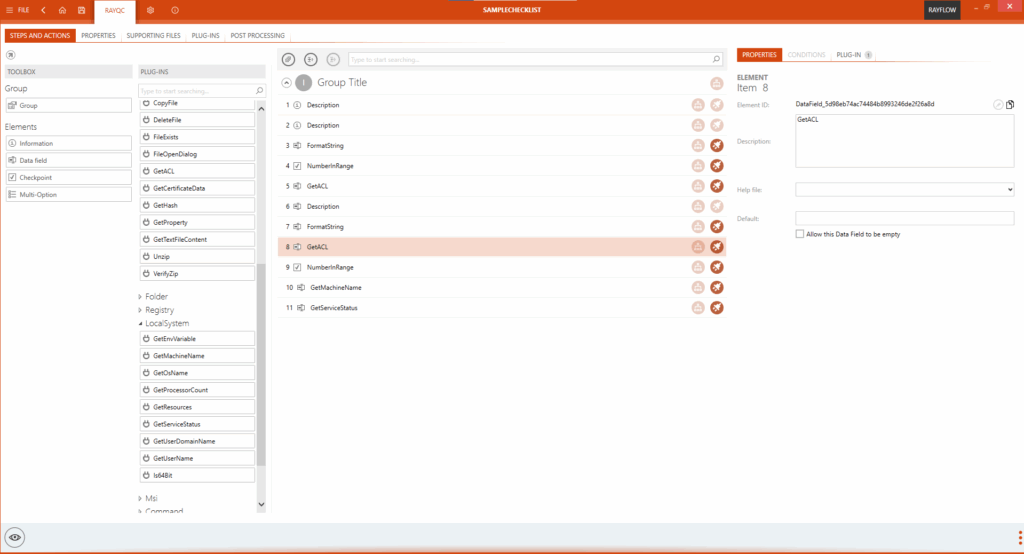
RayQC makes test procedures repeatable using checklists. Test steps can be structured and supplemented with conditions or extensions. Reports can document results and highlight failed checks, for example.
It's worth having a common minimum standard for your team: installation and removal, behavior without user login, required permissions and key application functions. Technical inspections and technical approval have different tasks. Only together do they result in a reliable decrease.
4. Explore compatibility and conflicts
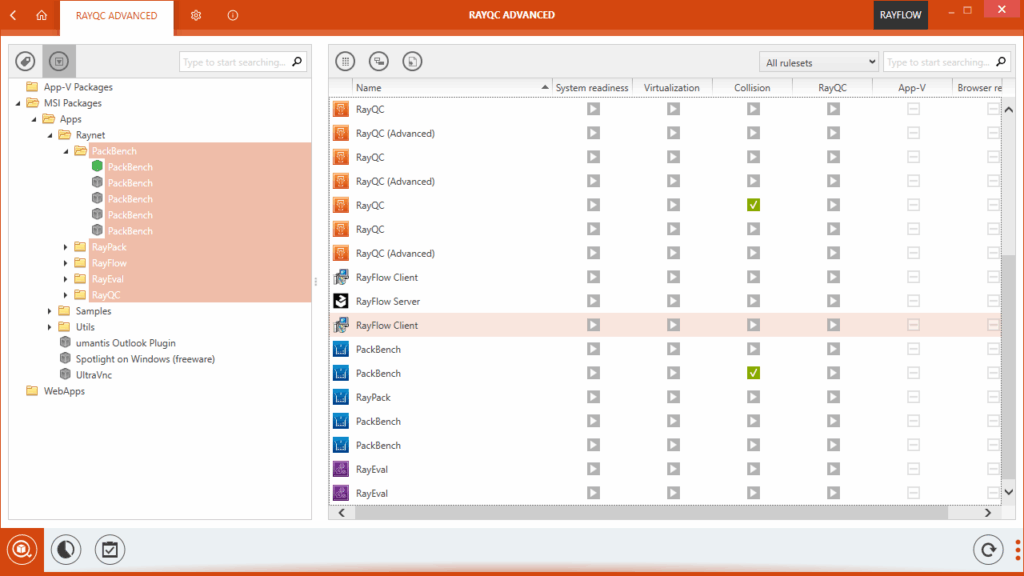
RayQC Advanced adds compatibility and collision checks to the process. This allows possible problems to be investigated earlier before an application is rolled out on a larger scale.
The result is a decision-making aid for further tests. We recommend additionally testing critical applications in a representative target environment: with your security requirements, dependencies and the functions actually required. An inconspicuous technical report does not replace this practical test.
Less individual work. More repeatability.
PackBench connects the work steps
PackBench supports the organization of recurring packaging processes. Tasks, tools used and variables can be combined in workflows. This allows a team to work according to a common process instead of starting from scratch for each package.
We help you define a process that suits your organization: receipt and completeness check, packaging, quality assurance, technical acceptance and handover to software distribution. For additional process connections, such as to RayFlow, we check the technical requirements and the required license scope separately.
New applications
A clear order with target group, settings and acceptance criteria forms the basis for the provision.
Updates and migrations
Check existing packages, document changes and test behavior compared to the previous version.
Build internal packaging
Templates, checklists and responsibilities create a common way of working for your team.
RayPack Studio handles the packaging work in the process. The subsequent distribution takes place via your designated infrastructure. License inventories and contracts are a separate subject area: You can find that with us Raynet ONE SAM AI.
Tools and know-how.Start together.
The right edition is the one whose functions you need in everyday life. We therefore first discuss your applications, package formats, target systems and existing processes. You can then decide which tools your team needs and where support makes sense.
Clarify the initial situation
Which applications are pending? Who packages, who tests and who releases? We take into account your requirements and existing standards.
Start with an example
A representative package makes the intended process concrete. Technical peculiarities and missing specifications become visible.
Set standards
Together we define documentation, naming, checks and handovers. The templates should remain usable in day-to-day business.
Add knowledge and capacity
We support your team with training or take on agreed packaging work. We tailor the scope to your needs.
Would you like to outsource the work or absorb peaks? Discover ours Software packaging services. We offer you the opportunity to develop your own skills Software packaging training.
Good to know.
Is RayPack Studio part of Raynet ONE SAM AI?
The tasks are different: RayPack Studio is used for software packaging and quality assurance. Raynet ONE SAM AI supports software asset management. RayPack therefore remains as a separate product page.
Which edition do I need?
This depends on package formats, inspection requirements and desired automation. We compare these requirements with the available editions and create an offer based on this.
Can I continue to use existing packages?
Existing packages are a useful starting point. We check whether they should be adopted unchanged, adapted or recreated based on their quality and your future target environment.
Can bbi take care of the packaging?
Yes. We discuss the desired scope of services, the information required and acceptance. You can find the right service under software packaging.
Are the surfaces shown the current version?
The images come from the manufacturer and show exemplary work areas. Display and available functions may vary depending on version and edition. We will clarify the scope relevant to you based on your requirements.
YOUR NEXT STEP
What would you like to improve?
Discuss your initial situation with us. Together we will clarify how RayPack Studio fits your needs and what support you need.
Discuss RayPack Studio with bbi →Frequently asked questions
What is RayPack Studio used for?
RayPack Studio supports creating, editing and checking installation packages. IT teams use this to prepare applications for deployment in their target environment.
Which package formats can RayPack Studio process?
RayPack Studio supports formats such as MSI, MST, MSP and MSIX depending on the version and module. Tell us your output and whether you want to create, edit or convert packages. We check whether the required work steps are covered.
Can RayPack Studio package an existing installation?
RayPack Studio supports repackaging of existing installations. The steps and adjustments required depend on the installation source, the target format and the application.
Does bbi offer training on RayPack Studio?
Yes, we offer training with RayPack Studio. The selection depends on your previous knowledge and whether you want to work with MSI or MSIX, for example.